No one likes paying bills, but at least gone are the days of sitting at a table with a checkbook and stamps at the ready. Today almost everything is electronic, and thank goodness for that. You can pay a bill electronically one of two ways: auto pay or bill pay. They’re similar in that they only need a card or bank account and the internet, but there are a couple of subtle, important differences, and knowing them is what settles auto pay vs. bill pay for each of your bills.
What is bill pay?
Bill pay is when you pay your bills through your bank account. You start the payment, not the vendor. Think of it as your bank pushing the payment out to the vendor.
What is auto pay?
Auto pay is when a vendor has permission to debit your bank account. Think of it as the vendor pulling the payment out of your bank account. You usually set it up by calling the vendor or going to their website, giving them your bank info, and scheduling the payment, usually monthly.
The advantages and disadvantages of both
Both auto pay and bill pay have advantages:
- Less paper wasted.
- No cost for postage, envelopes or checks (not to mention the time you save writing and mailing them).
- A better chance of limiting or eliminating late fees, because you’re not relying on the post office.
- Automated payments. A lot of people see this as a “set it and forget it” option. It’s one less item on the to-do list.
And both have disadvantages:
- A higher risk of overdrafting your bank account when you schedule a recurring payment.
- Some vendors charge a processing fee for electronic payments (rarer these days).
- A bank or vendor error can mean a double payment or no payment, and both are a hassle.
- If you set it and forget it, you assume your bills have been paid.
Why I recommend bill pay at first
When you’re getting organized and getting clear on your expenses, I recommend bill pay over auto pay for one reason: you have more control. Bill pay gives you more awareness than auto pay, and it’s a simpler process. With bill pay (at most major banks):
- You can set up a payment as one-time or recurring.
- You choose your payment date.
- You can easily start and stop recurring payments.
- You log in to one website (your bank) to pay multiple vendors.
- You don’t give a vendor access to your bank account.
- You stay more engaged with bills that change from month to month, so you’re more likely to notice a jump in usage or a vendor error.
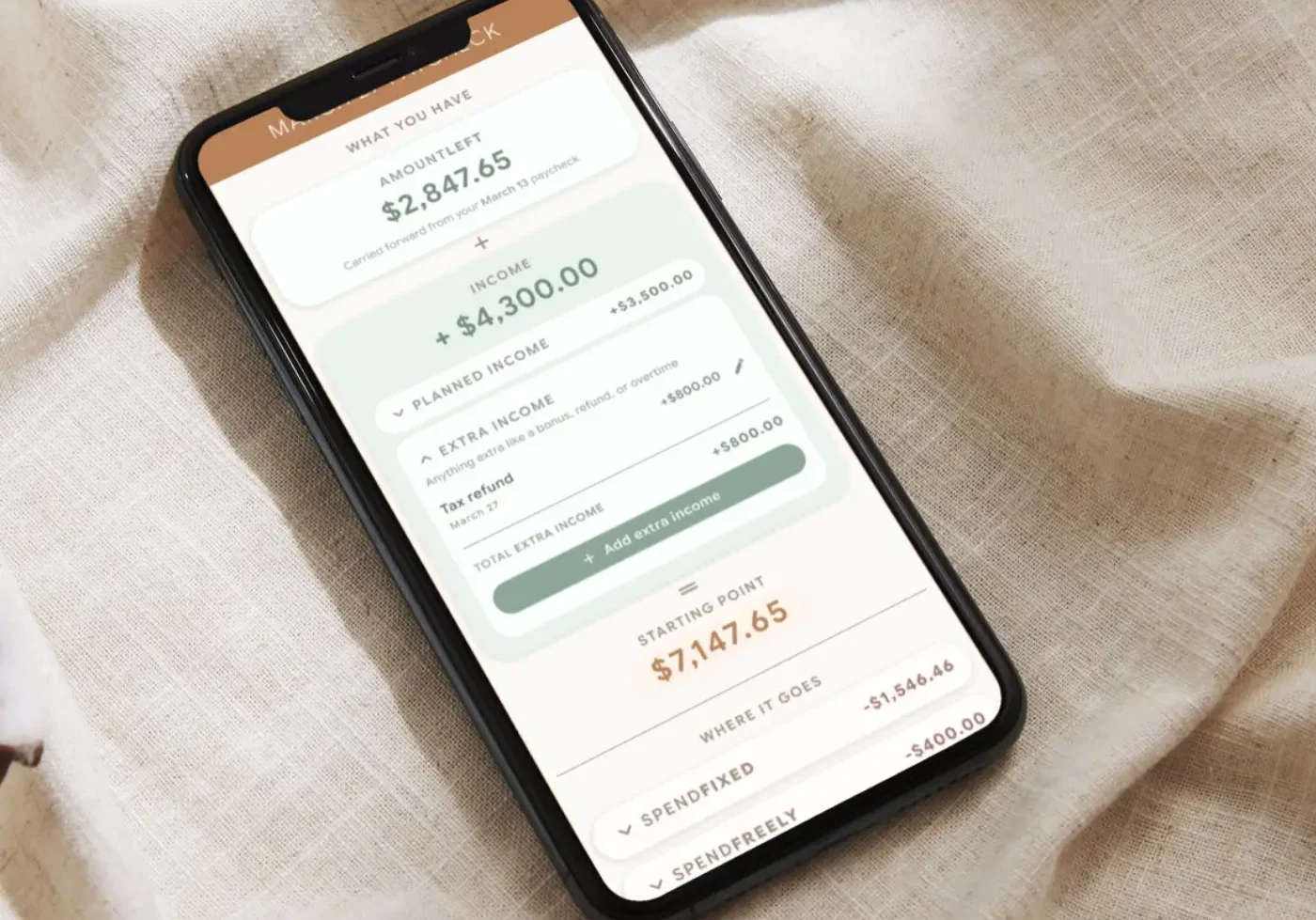
With SpendFirst, your plan follows your pay dates, not a 1st-of-the-month cycle like most budgets. (Hint: that’s why most budgets fail.) Payday becomes the day you manage your money. Your paycheck lands in your main checking account, you pull up your bank online, and you use bill pay for any SpendFixed bills due before your next payday. Voila, you’re done until the next one! It sounds almost too easy, right?
Setting up bill pay can take a little longer than setting up auto pay on a vendor’s website. If it’s a small local vendor, you might have to look up their mailing address so your bank can send them a physical check. And if a bill is a different amount each time, you’ll schedule that amount yourself each time. There’s no “set it and forget it” option the way there is with auto pay.
When and why I recommend auto pay
Bill pay is great when you’re first getting into the habit of managing your money, but once you have a handle on things, auto pay may make more sense. Auto pay can save you time, but I only recommend it once you’re cash positive, meaning your AmountLeft stays positive from one payday to the next. Most of my clients are busy professionals and entrepreneurs, so I want to build in efficiency for them, and auto pay does that. For example, if your utility bill is a different amount each month, auto pay debits the correct amount automatically. (Hopefully.) Auto pay is also designed to pay on time every month, so you won’t have to worry about getting hit with a late fee.
Common auto pay errors
A few common errors can happen with auto pay. Since you don’t control the payment date, you risk overdraft fees if you forget when a payment is due and your checking account happens to be running low. That’s why I recommend picking just one or two due dates for your bills. Auto pay through multiple vendors also means remembering all of those usernames and passwords instead of just your bank login. Don’t you already have enough passwords to remember?
You can use auto pay and still stay on top of your money with these best practices:
- Choose one or two due dates for all of your bills. Most vendors let you do this. It makes checking that your bills are paid so much easier.
- Choose one payment method for all your bills, if possible. It can be a credit card or your checking account, but streamlining is the key. Try not to have multiple places you have to search for expenses. (Read the word of caution on cards further down before you pick one.)
- Get organized. Have a solid, well-documented way to keep track of your usernames and passwords, since you’ll need more than your bank login.
- Commit to staying present. The pitfall of auto pay is that you can set it and forget it. Setting it is great. Forgetting it, not so much. Put a reminder on your calendar every month to review your bills for anything unusual or any errors.
One big disadvantage of auto pay
There’s one other potential blunder with auto pay, and it’s a big one. When you use auto pay, you’re giving the vendor your banking information. You may also be authorizing them to withdraw money whenever they want, not just to pay your monthly bill. A few of my clients, and even one of our coaches, have run into exactly this.
The vendor’s error is your problem
“Julie” let Cox auto debit her account each month for her bill. After moving, she returned all the required equipment and even kept the FedEx shipping confirmation as proof. Cox said they never received it, so they debited her account more than $600 for the equipment. And they could, because she had given them access to her account a month earlier. Have you ever read the “payment authorization” you agree to? You give vendors permission to debit your account not just that one time, but essentially whenever they like. It took months to sort out. Julie eventually got a refund from Cox, but she’d have avoided the hassle entirely without auto pay.
Why you can’t set it and forget it
“John” let his sewer company auto debit his account each quarter for his sewer usage. He paid about $100 every three months. Then one bill came in at $5,400, which was just an error. A big error. If John had taken a “set it and forget it” approach to his sewer bill, he would have had a massive, avoidable financial headache on his hands.
When your vendor and your bank stop talking
One of our coaches used auto pay for her cable bill (cable companies don’t do themselves any favors, do they?). One month, the cable company’s website and her bank’s website just stopped “talking” to each other. The payments had always processed fine, and then they didn’t. Because she’d set it and forgotten it, three or four months went by before she realized there was a problem. Suddenly she had several months of cable bills to pay, on top of the hassle of getting several months of late fees removed.
Does this have you thinking twice about auto pay? If you’ve already set it up, canceling can be difficult. Vendors aren’t keen on giving up the access you’ve granted them, because it’s easier for them. So before you set up auto pay, think about whether you can use bill pay instead. You might save yourself some hassle down the road.
A word of caution: auto pay and cards
I use both auto pay and bill pay for my own money, but there are two situations where tying a credit or debit card to auto pay creates more work than you’d want:
- The card (or its number) is lost or stolen.
- The card expires.
When either one happens (and one of them WILL happen), you’ll need to update every account tied to that card, or you could get hit with late fees. That’s why keeping your usernames and passwords organized matters so much. If you have several accounts on that card, you’ll update all of them every time you get a new card number. If you’re using a credit card to earn points on utility payments and other auto pays, you’ll update them every time it happens. Same thing when your card expires and you’re issued a new one.
If you’re using a debit card for your bills, an easy fix is to set up auto pay directly through your checking account instead. With SpendFirst, that’s your main checking account, the one your SpendFixed bills are paid from. Your routing and account numbers won’t change unless you open a new account, and sometimes you’ll even avoid processing fees that come with tying a debit card to a bill.
So where does that leave you?
There’s a lot to consider with auto pay vs. bill pay. Each has advantages and disadvantages, but no matter which you choose, there is no setting it and forgetting it. You can’t check out of managing your money. The point of auto pay and bill pay is to make managing your money easier, so pick what makes sense for you, set up a system, and take it one bill payment at a time. Run that system every payday and it becomes part of how you stop living paycheck to paycheck.
What happens on payday, including where your bills get paid from, is Chapter 7 of SpendFirst.